The iPhone 16e is packed with powerful features that most users never explore. Beyond the regular settings, Apple has hidden several smart tools and customization options that can make your phone faster, safer, and more enjoyable to use. Here are the
1. Action Button Superpowers
The iPhone 16e replaces the old mute switch with an Action Button. This button can be customized to do whatever you want—open the Camera, turn on the Flashlight, start a Voice Memo, launch Translate, or even open your favorite app instantly. You can also connect it with Shortcuts for advanced automations.
One of its best uses is triggering Visual Intelligence. With this, you can point your camera at text, signs, or objects and get instant translations, summaries, or even AI-powered answers.
2. Lock Screen and Home Screen Magic
The new lock screen lets you add widgets, change wallpapers, and even set up different styles for day and night. You can also switch between multiple lock screens for work, study, or personal time.
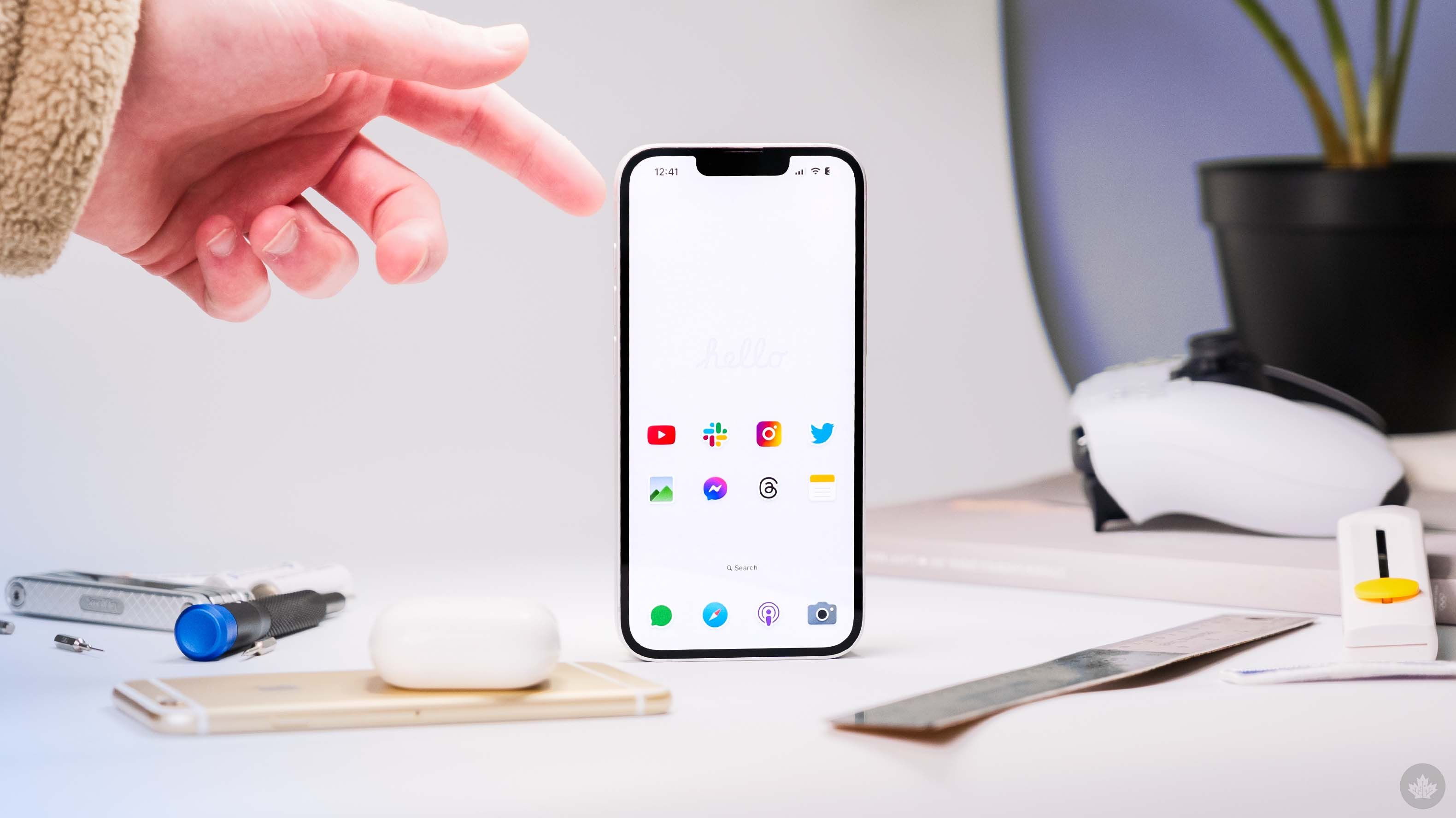
On the home screen, apps are no longer stuck in a strict grid. You can place them freely, resize icons, and mix them with widgets for a completely personalized look.
3. A Smarter Control Center
The Control Center on iPhone 16e is now multi-page. You can add, remove, and resize buttons to fit your needs. Want a big Wi-Fi toggle or a shortcut to your smart home lights? Just drag and drop. Third-party apps can also add quick controls here.
4. App Privacy Lock
One of the most useful hidden tools is App Lock. You can lock apps like WhatsApp, Photos, or Notes with Face ID, Touch ID, or a passcode. You can also hide apps so they won’t appear on the home screen. This makes sure sensitive apps stay private and secure.
5. Camera Tricks and Photo Cleanup
The iPhone 16e comes with a 48MP camera. You can switch to high-resolution mode in settings to capture sharper images. The Photos app also has a Cleanup Tool that lets you erase unwanted objects from your pictures—like a photobomber in the background.
At night, you can control the exposure time manually by tapping and holding the Night Mode timer. This is perfect for capturing starry skies or low-light scenes.
6. USB-C Storage Boost
The iPhone 16e finally makes storage management easier. You can connect a USB-C flash drive and transfer large videos, photos, or files directly from your phone. This saves space instantly and is perfect for travelers or creators.
7. Secret Call Recording
Hidden in the Phone app is a call recording feature. During a call, you can press the wave icon to start recording. The recording is automatically saved in the Notes app, making it easy to review later.
8. Battery Health Protection
To make your battery last longer, there’s an option to limit charging to 80–90%. This reduces battery stress and keeps your iPhone healthy for years. You can also enable battery percentage display on the status bar for accurate monitoring.
9. Easy Gestures and Reachability
The iPhone 16e relies on gestures for smooth navigation:
-
Swipe up for Home
-
Swipe up and hold for App Switcher
-
Swipe down from top-right for Control Center
-
Swipe down from the middle for Notifications
You can also enable Reachability, which brings the top of the screen lower with a simple swipe—making one-hand use much easier.
10. Extra Handy Tools
-
Focus Modes: Create custom modes for work, sleep, or study to block distractions.
-
Live Text: Point your camera at any text (like a menu or document) and copy, translate, or share it instantly.
-
AI Siri: Siri is smarter now with ChatGPT support, helping you write, summarize, or brainstorm.
-
Visual Lookup: Long-press on an image of a plant, pet, or landmark to identify it instantly.
-
Safety Check: In emergencies, you can quickly reset all sharing permissions and block access to apps and accounts.
Bonus: Hidden Power Features for Daily Use
-
Back Tap Shortcut: Go to Accessibility > Touch > Back Tap and set double-tap or triple-tap gestures to take screenshots, open apps, or launch shortcuts.
-
Haptic Keyboard: Turn on haptic feedback in keyboard settings for a satisfying vibration while typing.
-
Custom Safari Start Page: Add favorite websites, background images, and privacy shortcuts to Safari’s start page.
-
Offline Maps: Download maps in Apple Maps to use even without internet.
Final Thoughts
The iPhone 16e may look simple from the outside, but these secret settings unlock its full power. From smart privacy tools and camera tricks to storage hacks and AI features, your iPhone can do much more than you think. Spend a little time exploring these hidden options—you’ll discover a phone that feels more personal, secure, and powerful.